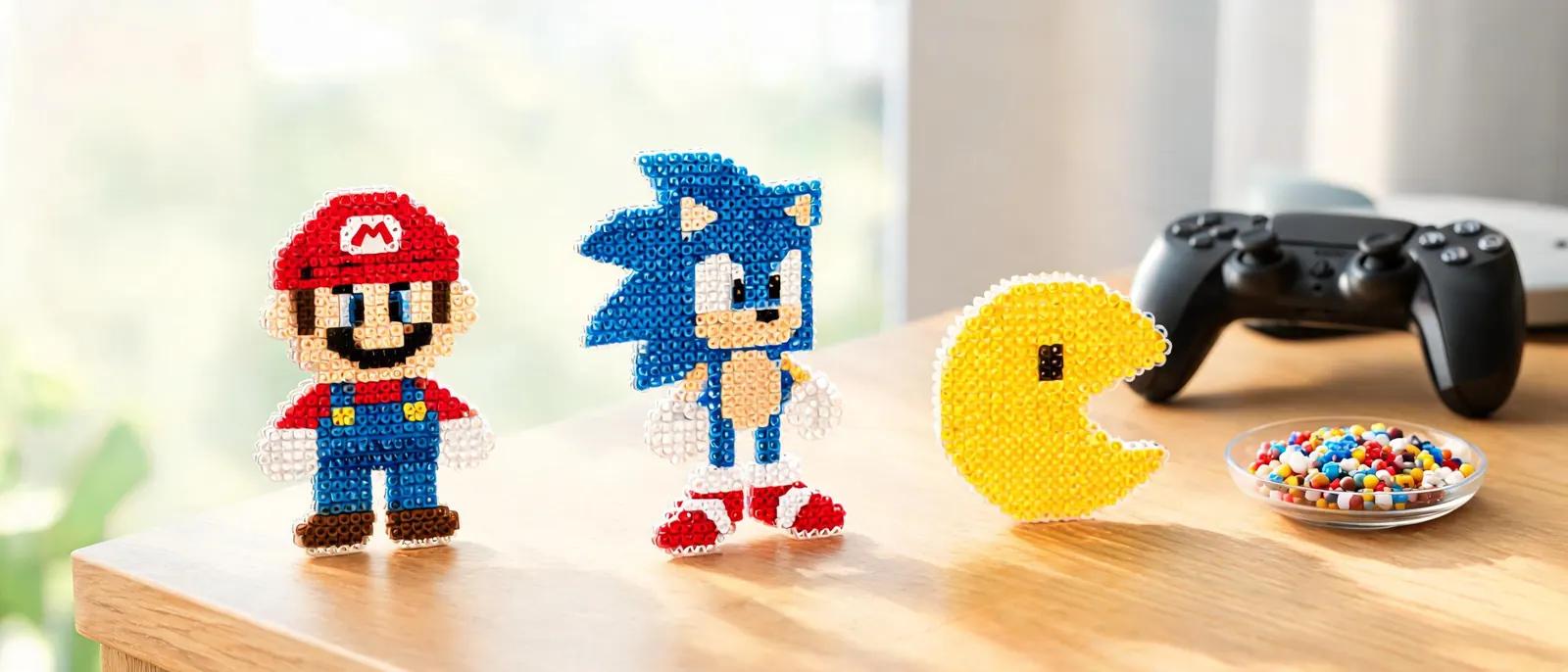
Video Game Fuse Bead Patterns: Mario, Pokemon & Minecraft Pixel Guides
Create pixel-perfect video game characters with fuse beads! Step-by-step guides for Mario, Pokemon, Minecraft, plus tips, materials, and FAQs.
Why Video Game Characters Are Perfect for Fuse Beads
Mario and Friends: Classic Platformer Patterns

Pokémon: Gotta Bead 'Em All
Minecraft: Blocky Characters Made Easy

Materials, Tools, and Ironing Like a Pro
Designing Your Own Patterns and Leveling Up
Frequently Asked Questions
What size pegboard do I need for video game characters?
For most classic sprites like Mario, Pikachu, or a Creeper, a large square pegboard (29x29 pegs) is ideal. It provides enough space for detail without being overwhelming. For very large characters or scenes, you can connect multiple pegboards using interlocking tabs. Small square boards (14x14) work well for tiny icons or keychains.
Can I use any brand of fuse beads for these patterns?
Yes, but stick to one brand for a single project to ensure consistent bead size and melting behavior. Perler, Hama, and Artkal are the most popular brands; they are generally compatible, but slight size differences can cause uneven ironing. For color matching, refer to our fuse bead color guide.
How do I prevent my fuse bead project from warping?
Warping usually happens from overheating or uneven cooling. Iron with medium heat and keep the iron moving. After ironing, place a heavy book or flat object on top of the project while it cools. This flattens it and prevents curling. Always let it cool completely before removing it from the pegboard.
What can I make with video game fuse bead patterns?
The possibilities are endless: keychains, magnets, coasters, wall art, ornaments, and even 3D figures. You can attach them to backpacks, decorate your gaming setup, or give them as gifts. For more ideas, check out our things to make with Perler beads guide.
Ready to create your own patterns?
Open the Free Pattern Maker