AI Fuse Bead Generator: Text to Pixel Art
Describe anything and the AI renders it as a fuse-bead pixel art effect — instant inspiration for your next bead project.
AI-generated examples
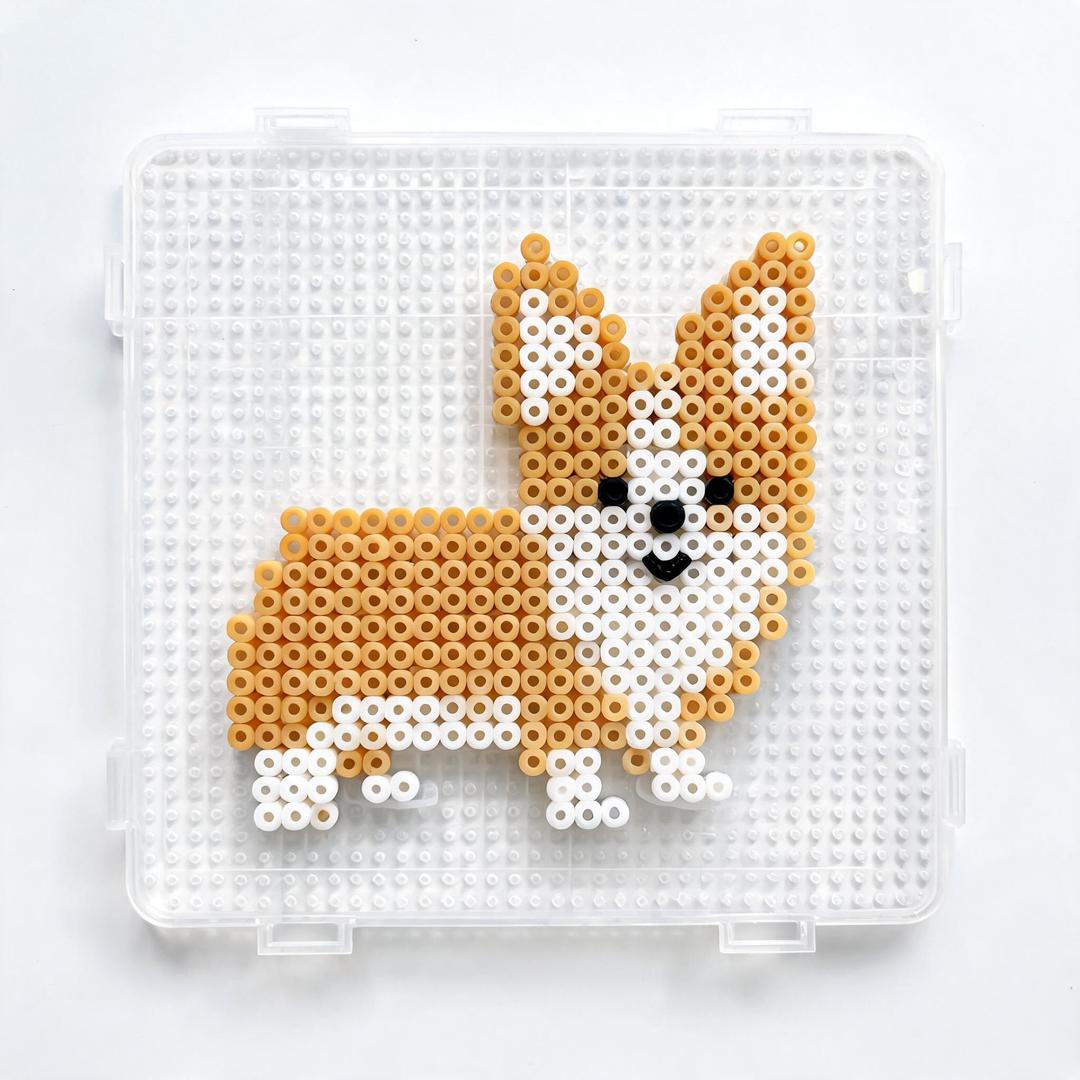
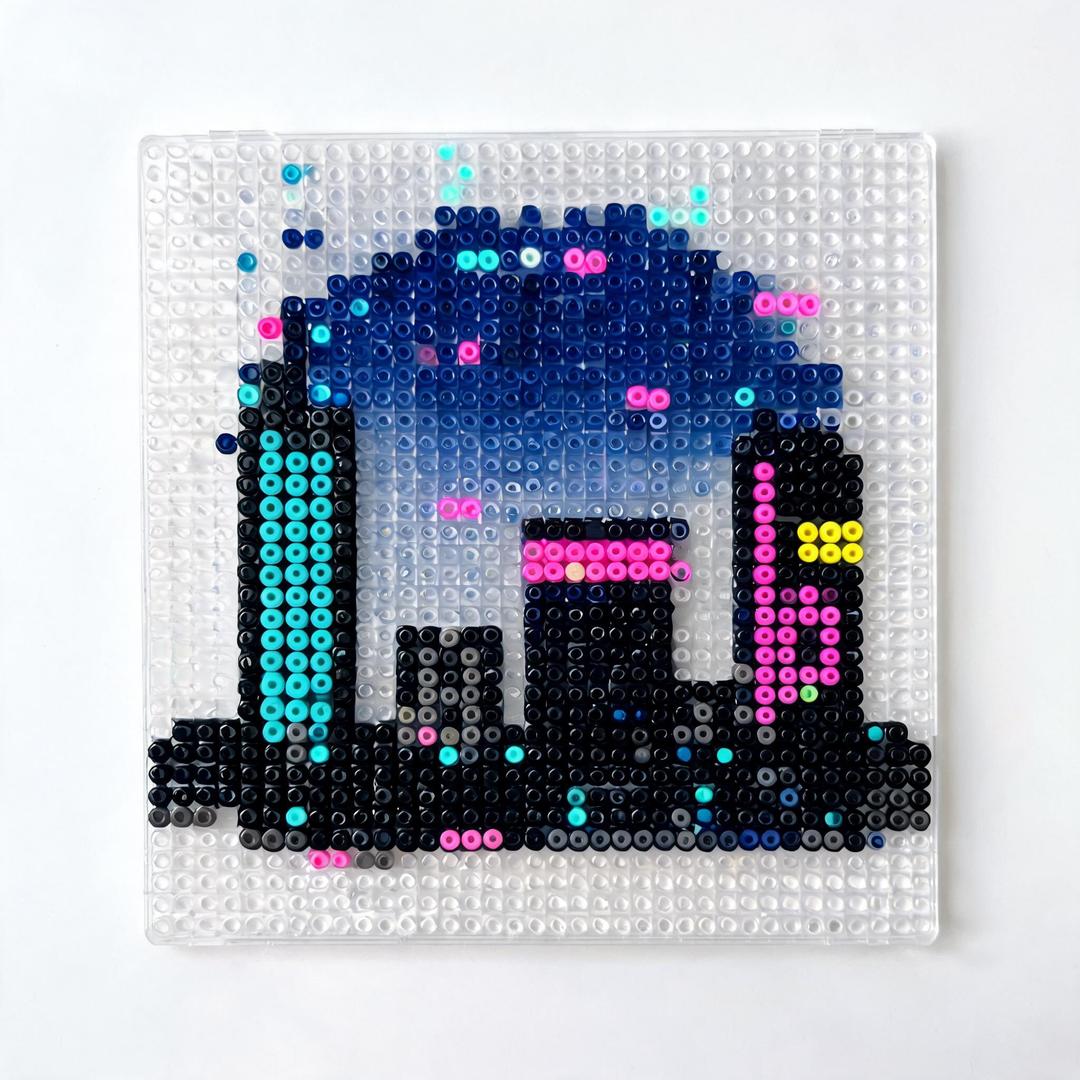
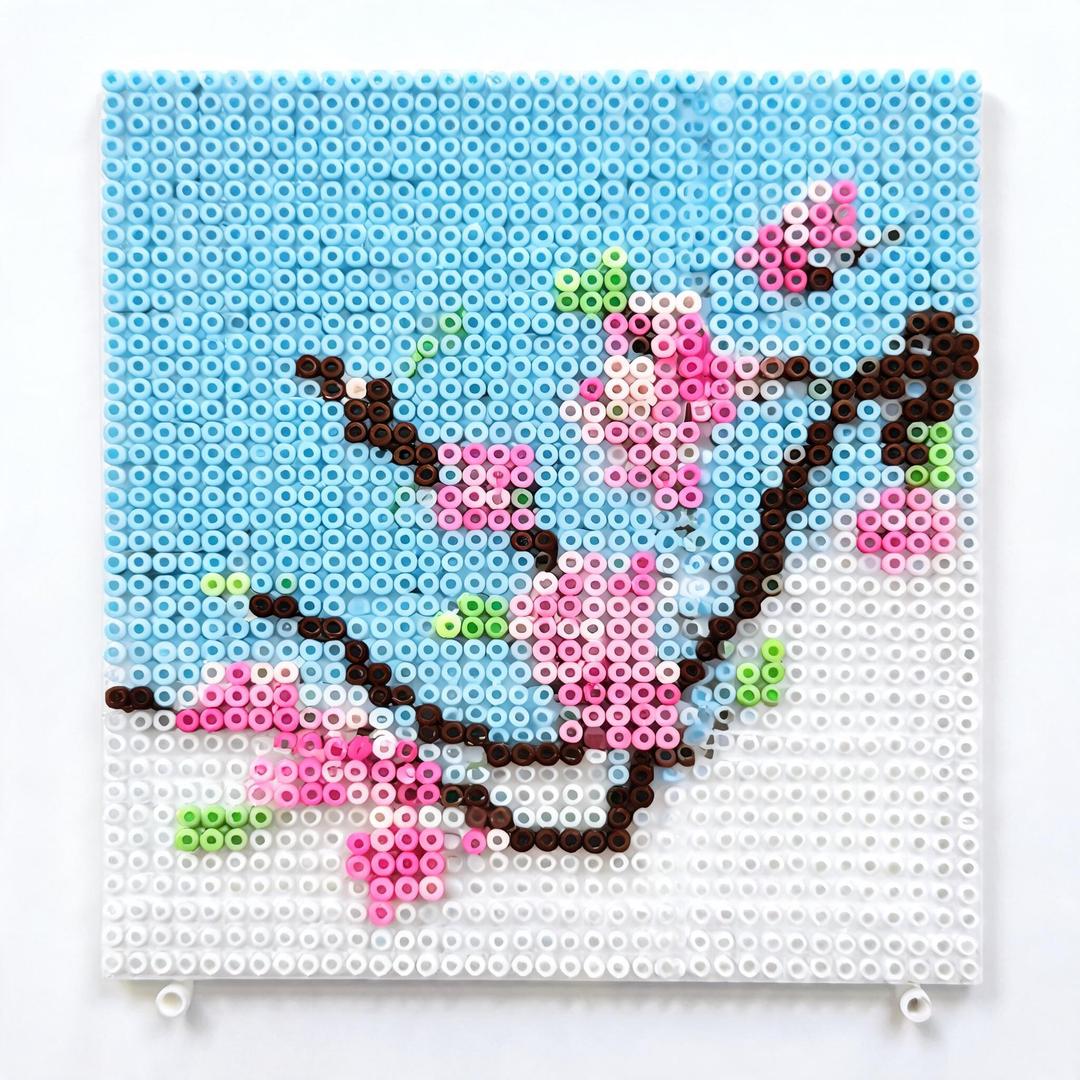
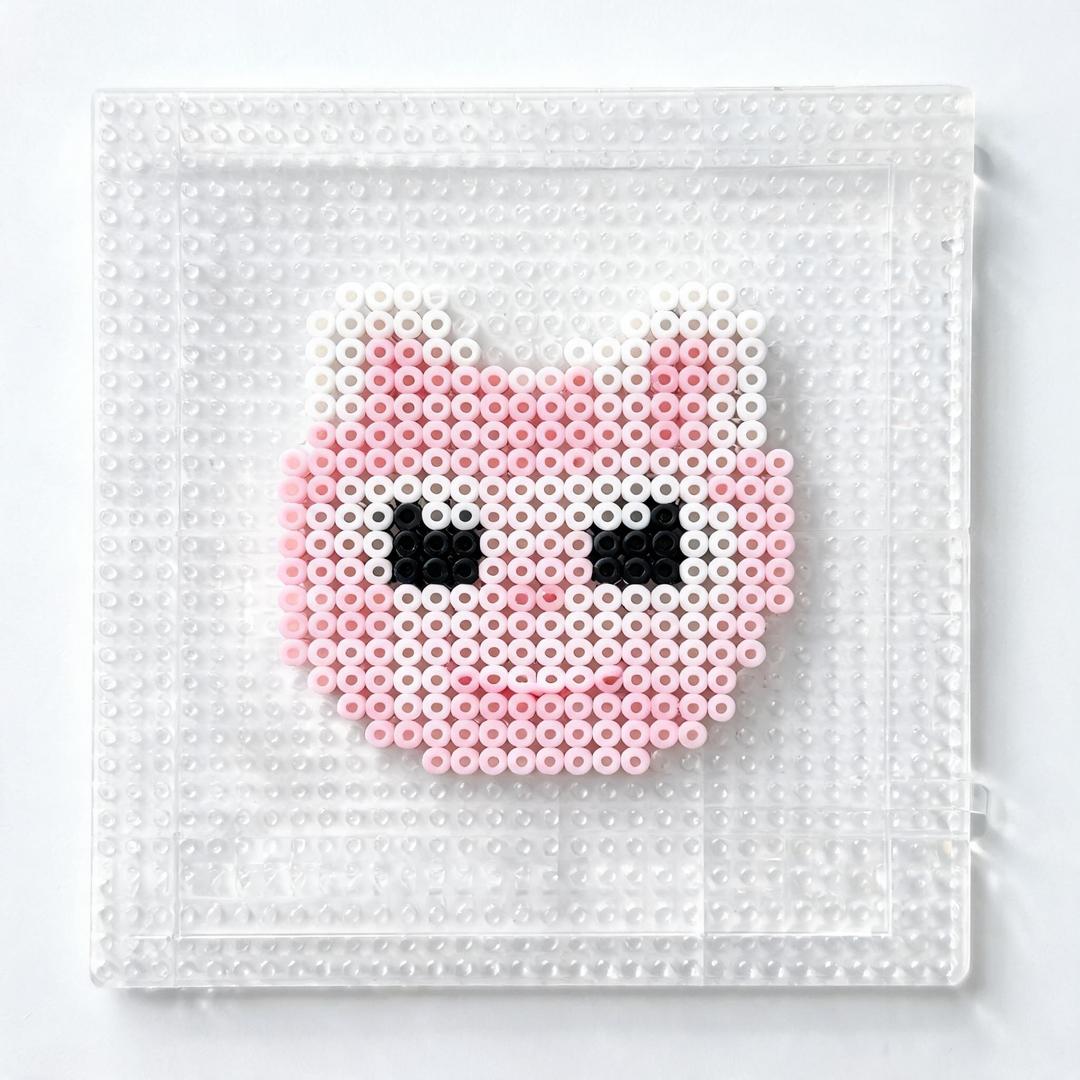
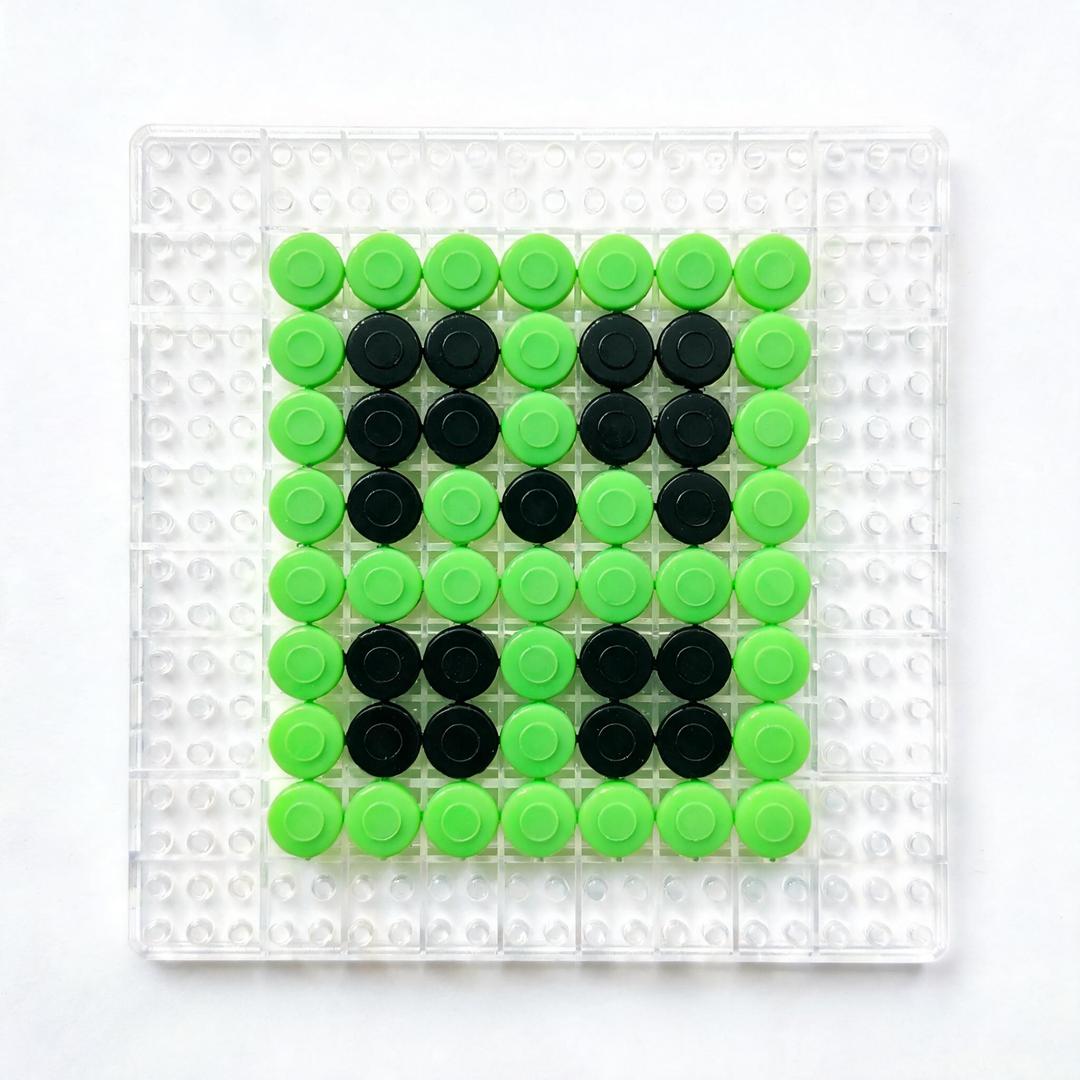
Real AI pixel art fuse-bead effect images generated by this tool — each is a single AI render, unedited.

How it works
Describe
Type what you want to see as fuse beads — a scene, animal, character, logo, or abstract idea. It works like a text to pixel art converter tuned for beads.
AI renders
The Seedream AI model renders it as a pixel-perfect fuse-bead effect: vibrant flat colors and visible bead-grid texture.
Use it
Download the PNG for inspiration, or send it to the pattern generator to turn it into a buildable bead grid.
Fuse Bead Inspiration: What to Visualize
FAQ
Is this tool free?
Yes — every account gets one free lifetime generation. Need more? Use the contact form after your first generation.
Is the result a real bead pattern?
No. This tool renders an AI effect image — a visualization for inspiration, not a buildable grid. Use the pattern generator to convert it into a real, color-counted bead pattern.
What can I describe?
Anything: landscapes, animals, characters, logos, abstract ideas. More specific prompts render sharper results.
Which AI model does it use?
Seedream (Doubao), prompted specifically for fuse-bead / perler bead pixel-art style.
How long does it take? Can I download?
About 10–30 seconds per image, and yes — download your effect as a PNG, free.
Can I turn the effect into a real pattern?
Yes — after generating, click “Turn this into a bead pattern” to send the image to the pattern generator, which produces a buildable grid with exact colors and bead counts.
Can this give me fuse bead project ideas?
Yes — that's one of its best uses. Type a theme like "a cozy cabin in winter" or hit the inspiration examples for random fuse bead ideas. When you want browsable collections instead, see our fuse bead ideas gallery with hundreds of finished projects.
Effect image ≠ bead pattern
This tool produces a stylistic effect image for inspiration, not a pixel-accurate bead grid. For exact bead counts, palette-matched colors, and pegboard sizing, use the fuse bead pattern generator.