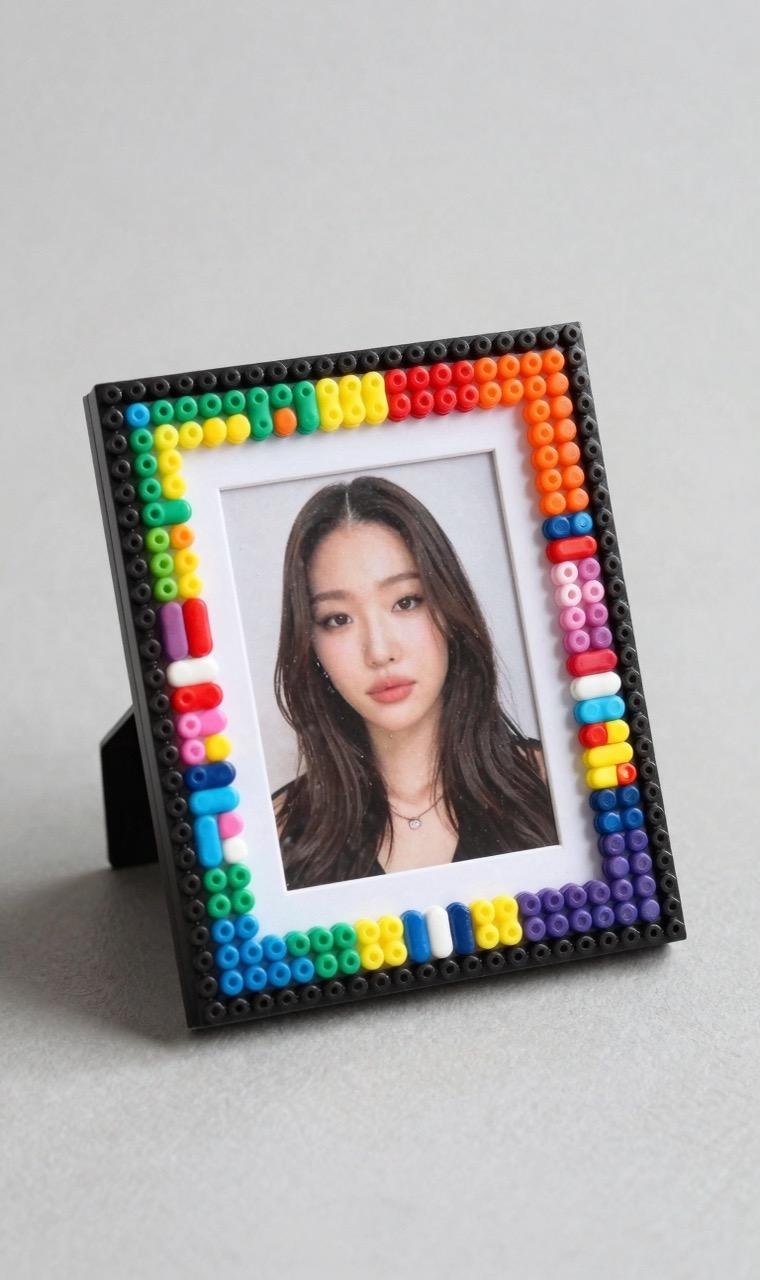
Perler Bead Photo Frame: DIY Pixel-Art Frame Tutorial
Build custom Perler bead photo frames for your favorite pictures. Learn frame construction, border patterns, stand making, and multi-photo collage ideas.
Beginner5 min read
Fuse Bead Frames: Pixel-Art Borders for Your Photos
A fuse bead photo frame turns an ordinary snapshot into a display-worthy piece of art. The pixel-art border adds personality and color that complements the photo inside — think of it as a physical Instagram filter for your favorite pictures. They're especially popular for kids' rooms (surround a school photo with their favorite game characters), pet memorials, and geek-culture home décor.
The construction concept is simple: create a rectangular border using fuse beads, leave the center empty (or use a removable insert), and mount a photo behind the border. The frame sits on a desk stand or hangs on the wall. The entire project takes 1-2 hours depending on size and complexity.
Frame Construction: Sizes & Techniques
Standard photo sizes and recommended frame grid dimensions:
• 4×6 inch photo: outer frame 50×70 beads (29×29 board + extensions), border width 6 beads
• 5×7 inch photo: outer frame 60×80 beads (connect 2 boards), border width 8 beads
• Square Instagram print (4×4): outer frame 50×50, border width 6 beads
• Mini wallet photo (2.5×3.5): outer frame 30×40, border width 5 beads
Construction method: Build the border on connected pegboards, leaving the center area completely empty. Iron the border piece on both sides for rigidity. Then cut a piece of clear acetate (transparent sheet) to fit behind the frame opening. Tape the photo to the back of the acetate. The photo is now visible through the frame opening, protected by the acetate.
For a free-standing frame, build a triangular stand out of fuse beads (two 10×14 pieces joined at a 90° angle) and glue to the back bottom of the frame.
Border Pattern Ideas by Theme
The border is where you get creative. Popular themes:
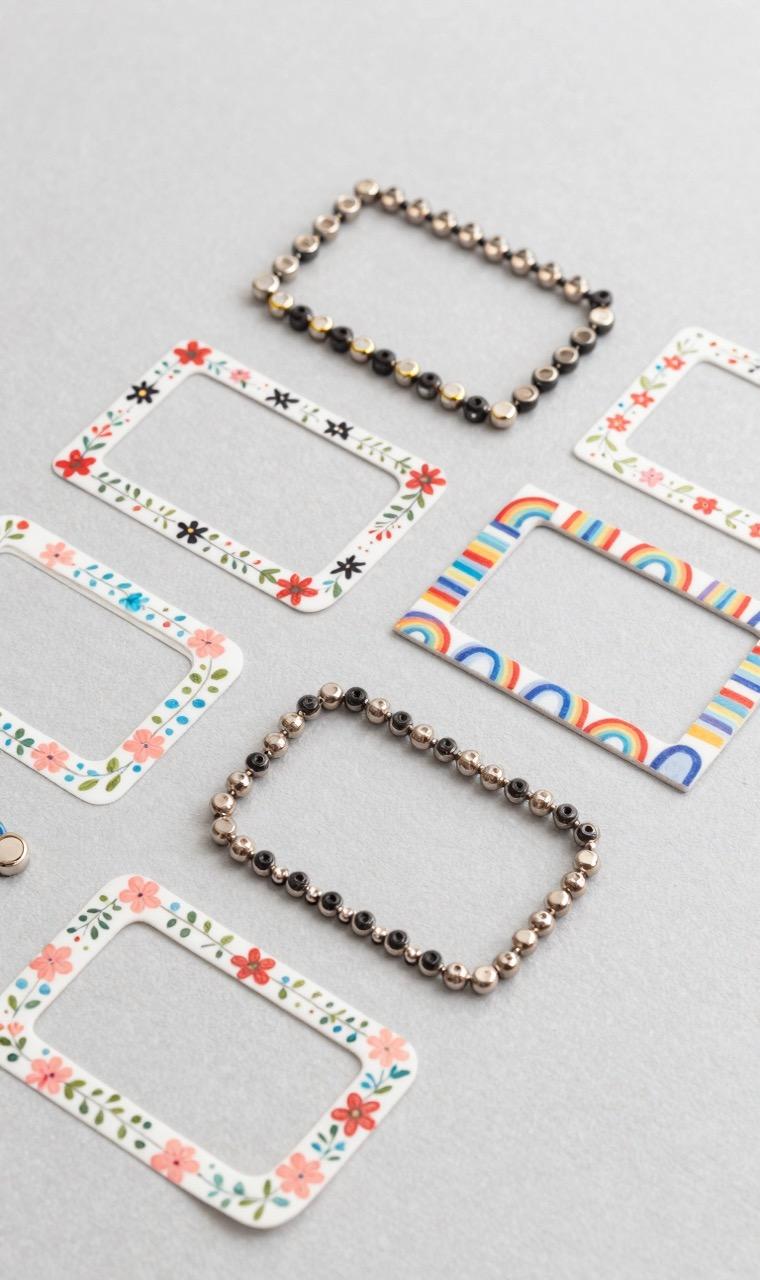
• Floral border: alternating flowers and leaves around all four sides. 8-bead-wide border with 4-bead floral motifs every 6 beads.
• Gaming pixel border: 8-bit game sprites (Mario mushrooms, Zelda hearts, Pokeballs) repeated around the frame. Perfect for game room photos.
• Rainbow gradient: border that transitions through the rainbow spectrum. Cheerful and universally appealing.
• Monochrome minimalist: single-color border with small geometric accents. Modern and sophisticated.
• Seasonal: snowflakes (winter), cherry blossoms (spring), sunbursts (summer), leaves (fall). Rotate frames seasonally.
• Custom text: spell out a name, date, or message using pixel letter beads in the border. Great for wedding and birthday gifts.
Frequently Asked Questions
Can I use the AI generator to create custom photo frame borders?
Yes! Generate a rectangular border pattern by typing 'floral border for 4x6 photo frame, 6 beads wide' or 'Pokemon themed frame border'. The AI creates pixel-art border patterns that you can then assemble on your pegboard. For text borders, describe the message and font style.
Related Links
Ready to create your own patterns?
Open the Free Pattern MakerShare: