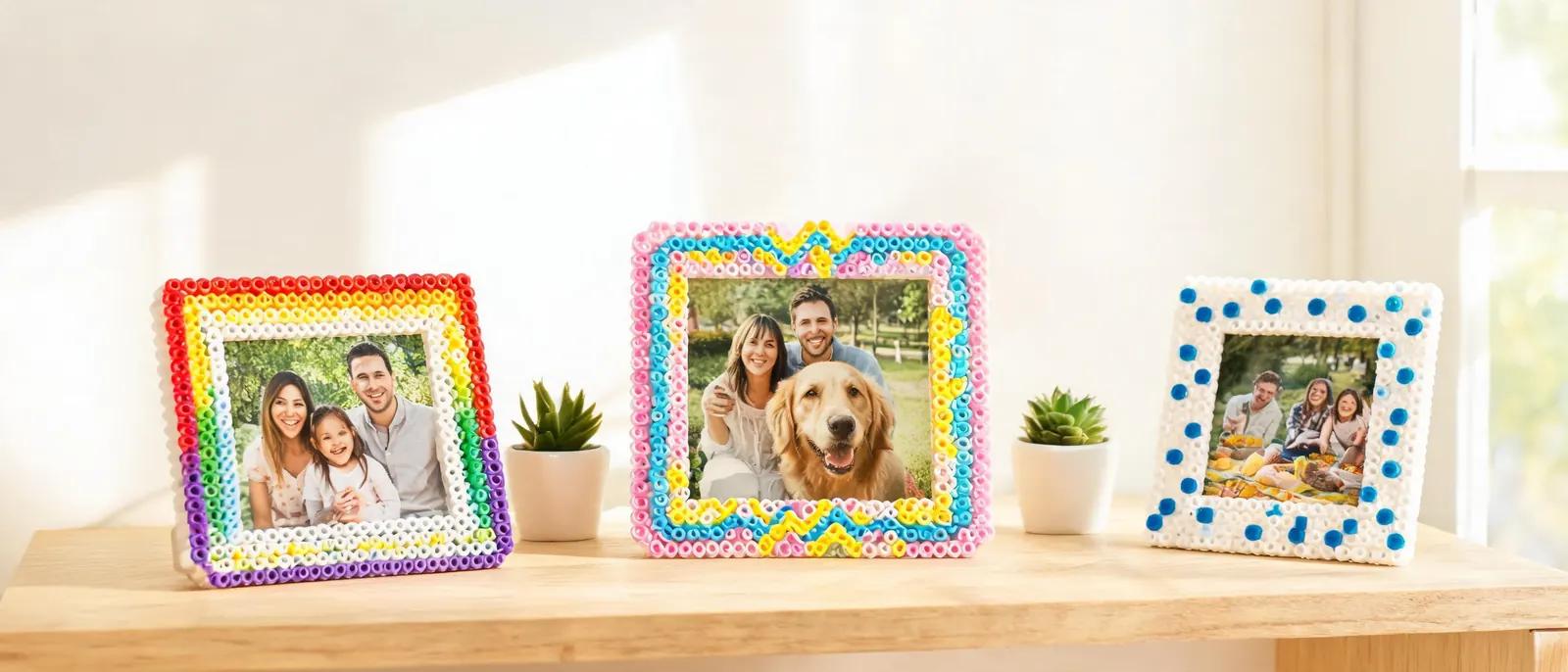
Fuse Bead Photo Frames: DIY Patterns, Backing & Stand Guide
Learn to make fuse bead photo frames with custom patterns, sturdy backing, and display stands. Step-by-step tutorial for crafters of all levels.
Why Fuse Bead Photo Frames Make Perfect Personalized Gifts
Materials and Tools You'll Need
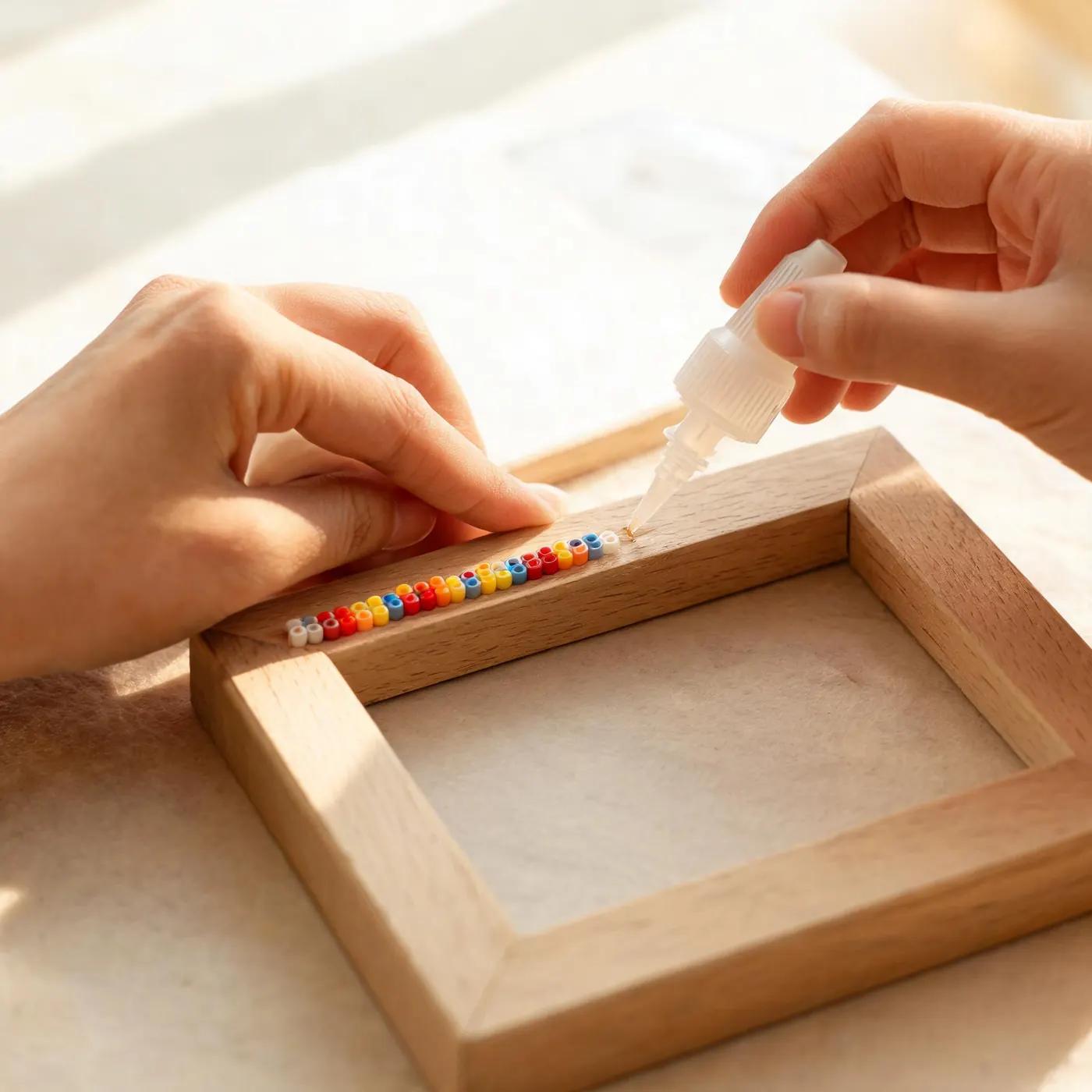
Designing Your Frame Pattern: Tips and Techniques
Step-by-Step: Assembling and Ironing Your Frame
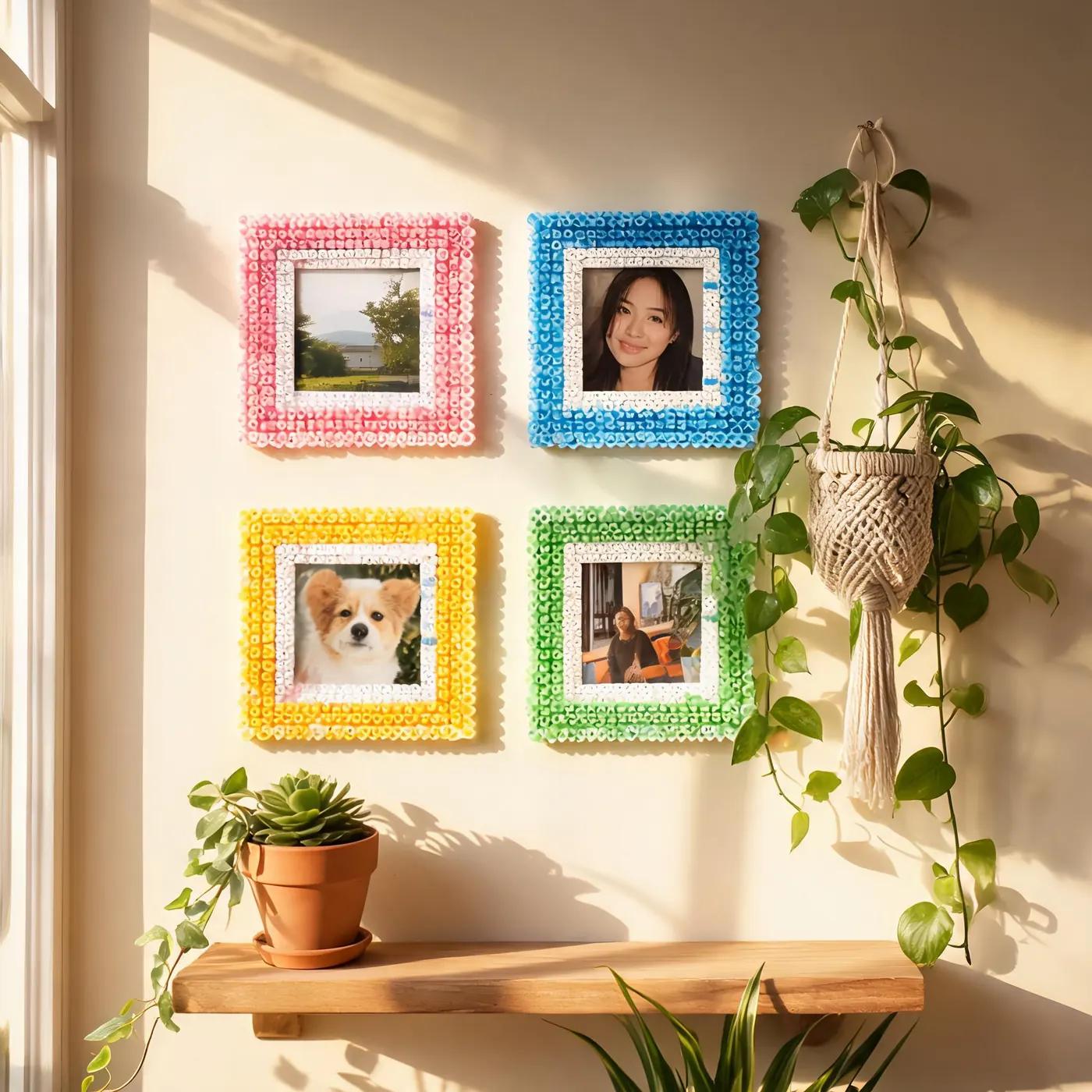
Creative Variations and Display Ideas
Troubleshooting Common Issues
Perguntas Frequentes
What size photo can a fuse bead frame hold?
The size depends on your pegboard. A standard 29x29 pegboard can accommodate a 3x3 inch photo with a 4-6 bead border. For larger photos, connect multiple pegboards. You can also make custom sizes by cutting the fused bead sheet to fit your photo, but always leave a border of at least 3 beads for stability.
How do I attach a stand to my fuse bead photo frame?
You can either purchase a small easel stand or make one from fuse beads. For a DIY stand, create a triangular shape with a flat base and glue it to the back of the frame using hot glue. Ensure the stand is centered and angled slightly backward for stability. Alternatively, attach a picture-hanging hook to the back for wall display.
Can I use any type of fuse beads for photo frames?
Yes, Perler, Hama, and Artkal beads all work well. However, bead sizes may vary slightly between brands, so avoid mixing brands within a single project to ensure even fusing. For a more detailed comparison, see our Perler vs Hama vs Artkal guide. Metallic or glow-in-the-dark beads can add special effects but may require different ironing temperatures.
How do I prevent my fuse bead frame from breaking?
To make your frame more durable, iron both sides thoroughly so the beads fuse completely. Add a backing of foam board or chipboard for rigidity. Avoid dropping the frame, and if it's a gift, package it with bubble wrap. For extra strength, you can apply a thin layer of clear craft glue to the back. Store away from direct sunlight to prevent color fading.
Pronto para criar seus próprios padrões?
Abrir o criador gratuito