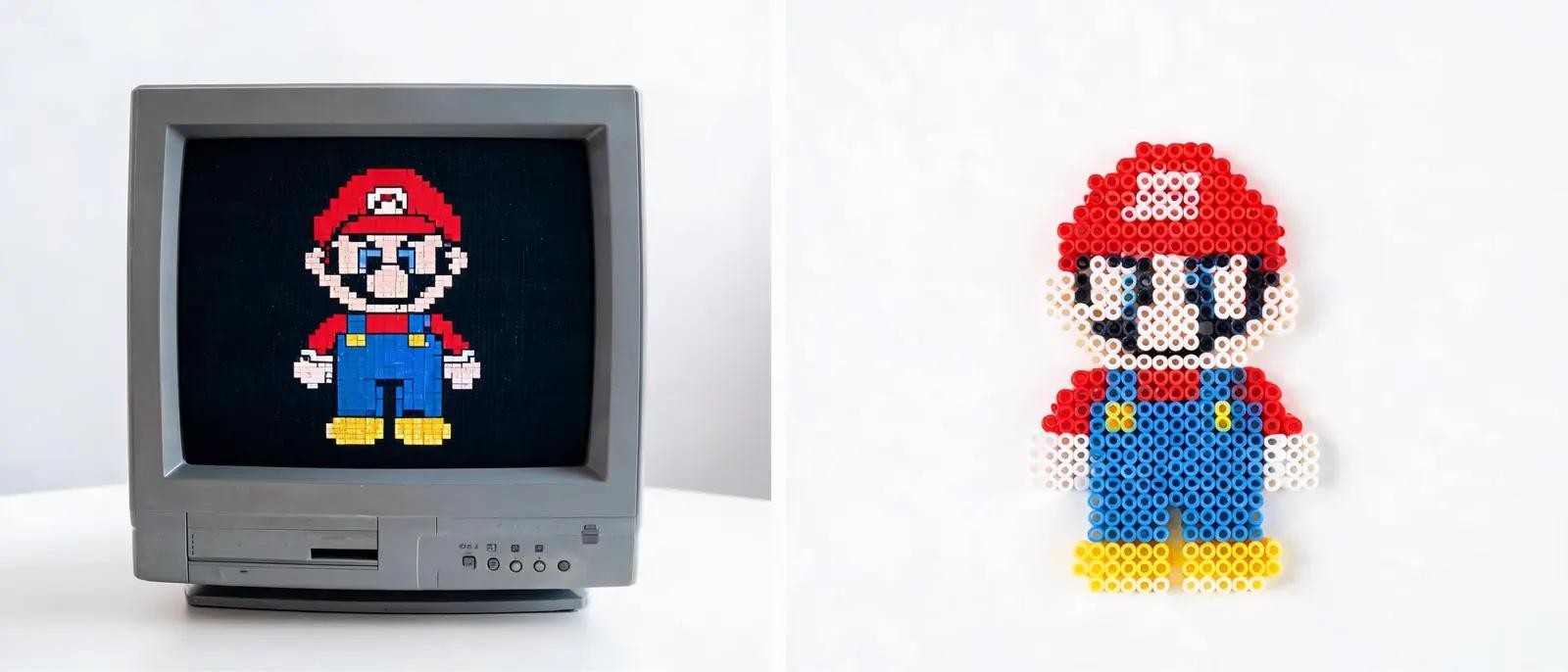
Pixel Art and Fuse Beads: Perfect Partners for Crafters
Discover how pixel art and fuse beads combine to create stunning crafts. Learn to convert sprites, map colors, and make your own bead art with our guide.
The Pixel Connection: Why Fuse Beads Are Pixel Art
From Screen to Bead: Converting Sprites into Patterns

Color Mapping: Matching Pixels to Beads
Tools and Materials for Pixel Bead Art

Step-by-Step: Creating Your First Pixel Bead Project
Beyond Sprites: Expanding Your Pixel Bead Art
자주 묻는 질문
What is the best way to convert pixel art to fuse beads?
The best way depends on your preference. For simple sprites, manual conversion using graph paper works well. For complex images, use online tools or our pattern generator to automatically map colors. Always start with a clear pixel art image and simplify the color palette to match available bead colors.
How many bead colors do I need for pixel art?
You can start with a basic set of 20-30 colors that cover the spectrum, including light, medium, and dark shades of each hue. As you progress, expand your collection with specialty colors like pastels, neon, or metallic. Many crafters find that a well-rounded palette of 50-100 colors handles most projects.
Can I use any pixel art image for fuse beads?
Yes, but consider the size and complexity. Very large or highly detailed images may require many beads and a large pegboard. It's best to start with smaller sprites (under 50x50 pixels) and gradually work up. Also, ensure you have the right bead colors or suitable substitutes.
How do I make my pixel bead art look more detailed?
To add detail, use smaller beads (like 2.6mm mini beads) for finer resolution. Also, incorporate shading and highlights by using multiple shades of the same color. You can also add outlines with black or dark beads to define shapes. Experiment with different bead finishes to add texture.
나만의 패턴을 만들 준비가 되셨나요?
무료 패턴 메이커 열기