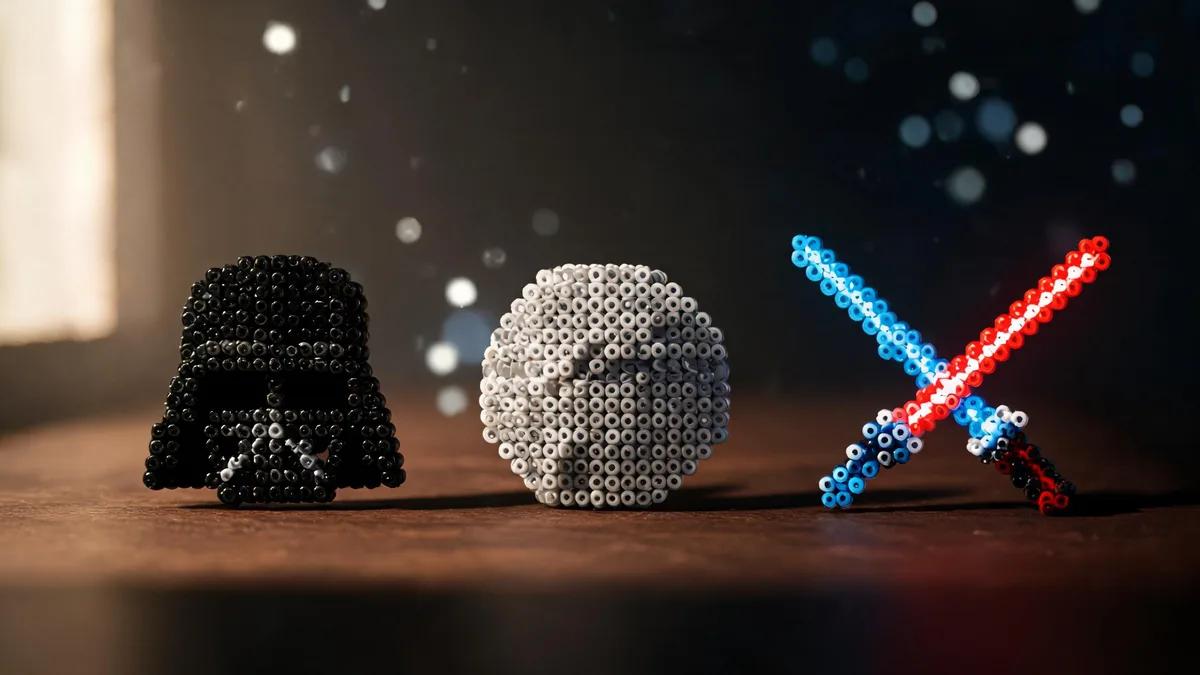
Star Wars Fuse Beads: Epic Patterns for Darth Vader, Falcon & Lightsabers
Learn to create Star Wars fuse bead patterns: Darth Vader, Millennium Falcon, lightsabers with color guides. Includes tips, materials, and step-by-step tutorials.
Why Star Wars Fuse Beads Are a Galactic Craft
Materials and Tools for Star Wars Fuse Bead Projects
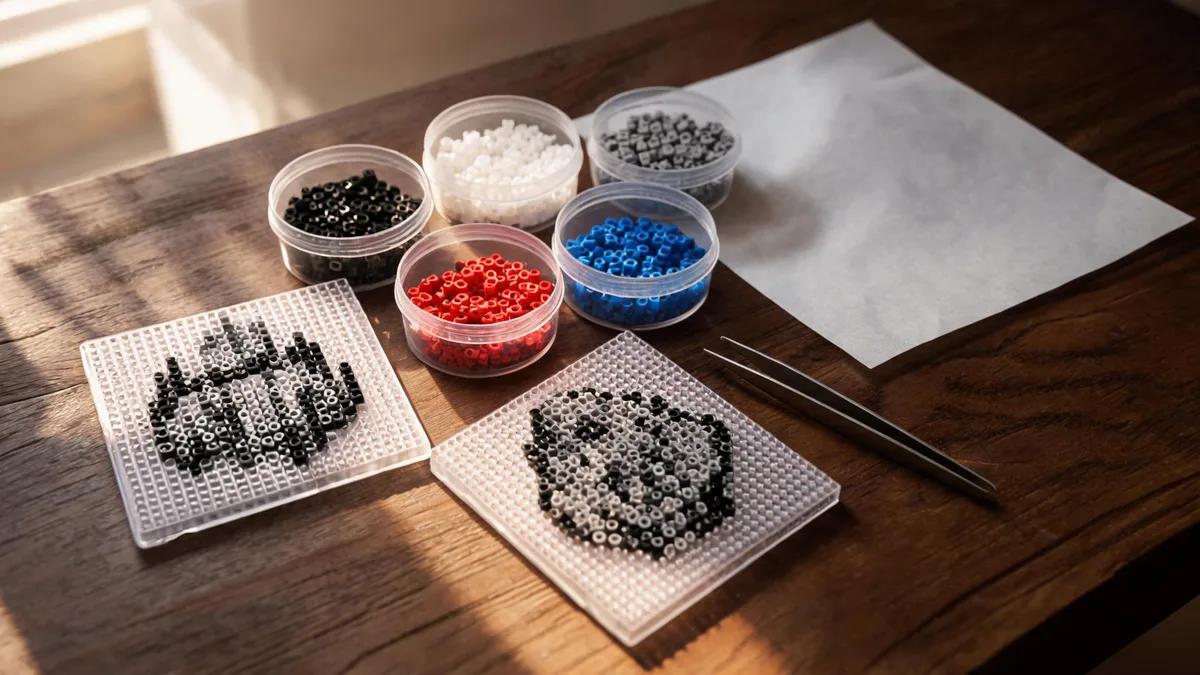
Darth Vader Pattern: Step-by-Step with Color Guide
Millennium Falcon Pattern: Capturing the Fastest Hunk of Junk
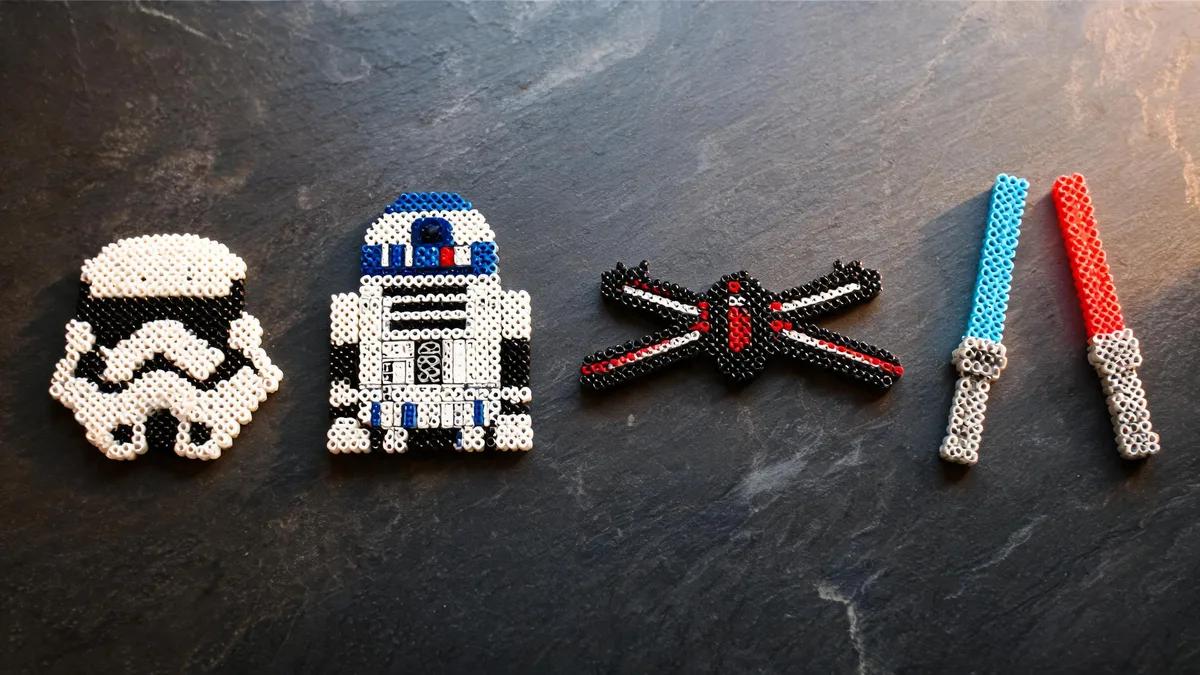
Lightsaber Patterns: Color Guide and Customization
Tips for Success and Displaying Your Star Wars Fuse Bead Art
Questions fréquentes
What colors do I need for a Darth Vader fuse bead pattern?
For Darth Vader, you'll primarily need black beads, with dark gray for highlights and silver or light gray for the breathing apparatus. A few dark red beads can be used for the eyes to add a menacing look. White beads can be used sparingly for specular highlights on the helmet.
How do I make a lightsaber glow effect with fuse beads?
To create a glowing effect, use a gradient of the same color. Place a row of light blue (or your chosen color) in the center of the blade, then flank it with darker blue on both sides. For a more realistic look, use translucent beads for the blade—they catch the light beautifully. You can also use a single color and rely on the bead's natural sheen.
Can I make a 3D Millennium Falcon with fuse beads?
Yes! You can create a 3D Millennium Falcon by building multiple flat sections and joining them, or by following a 3D fuse bead tutorial. You'll need to create a base, sides, and top, then iron them separately and assemble with glue or by ironing the edges together. It's an advanced project, but the result is impressive.
What size pegboard do I need for Star Wars patterns?
For small patterns like lightsabers or a single Darth Vader, a standard square pegboard (29x29 beads) is sufficient. For larger projects like the Millennium Falcon, you'll need a large pegboard or multiple interlocking boards. Clear pegboards are helpful for placing over printed patterns.
Prêt à créer vos propres modèles ?
Ouvrir le créateur gratuit