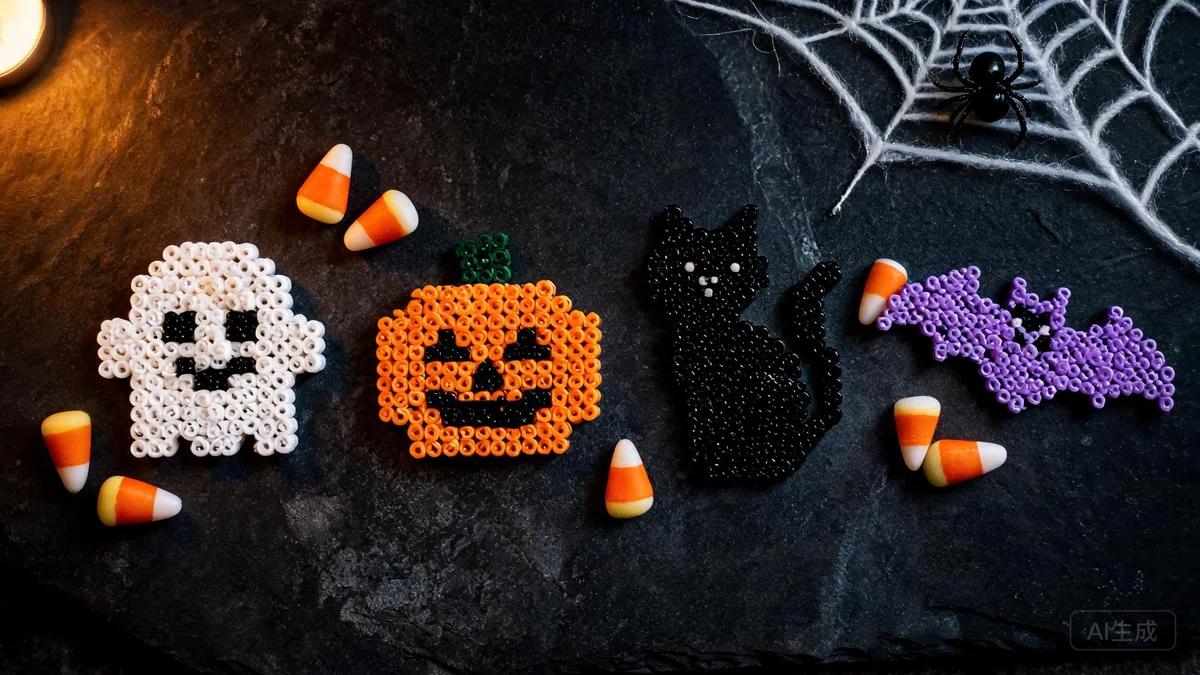
Halloween Fuse Bead Patterns: Spooky Designs & Tips
Get inspired with Halloween fuse bead patterns! From pumpkins to witches, learn design tips, materials, and step-by-step guidance for spooky Perler bead crafts.
Why Halloween Fuse Bead Patterns Are a Crafty Hit
Essential Materials and Tools for Spooky Perler Bead Projects

Classic Halloween Characters: Pumpkins, Ghosts, and Bats
Witches, Cauldrons, and Other Bewitching Designs

Design Tips and Techniques for Spooky Patterns
Displaying and Using Your Halloween Fuse Bead Creations
Häufig gestellte Fragen
What colors of fuse beads do I need for Halloween patterns?
The essential Halloween palette includes orange, black, purple, green, and white. Yellow is useful for glowing eyes or candle flames, and red can add a sinister touch. You can also use glow-in-the-dark beads for an extra spooky effect. Start with a basic set of these colors and expand as needed.
Can I make Halloween fuse bead patterns with kids?
Absolutely! Fuse beads are a great craft for kids, but adult supervision is required during ironing. Choose simple patterns like pumpkins or ghosts for younger children, and let them place the beads. Always follow safety guidelines, and keep the iron out of reach. For more details, see our guide on fuse bead safety for kids.
How do I prevent my fuse bead designs from warping?
Warping happens when the beads cool unevenly. To prevent it, iron the design evenly on both sides (or one side for a matte finish), then immediately place a heavy book or flat object on top while it cools. This keeps the design flat. Also, avoid over-ironing, which can cause the beads to melt too much and lose their shape.
What can I make with Halloween fuse bead patterns?
The possibilities are endless! You can turn them into coasters, ornaments, wall art, magnets, keychains, pins, garlands, and more. They also make great party favors or gifts. For more ideas, check out our articles on things to make with Perler beads and Perler bead gift ideas.
Bereit, Ihre eigenen Vorlagen zu erstellen?
Kostenlosen Maker öffnen